
How to Collect Event Photos from Guests Without an App
Discover how to collect event photos from guests without apps using QR codes, real-time uploads, and cloud-based galleries with SnapOnTap.
How to Collect Event Photos from Guests Without an App
Collecting photos from guests during events has always been a challenge. From chasing people on messaging apps to dealing with low-quality uploads and missed moments, the process is often messy and incomplete.
But what if you could collect all event photos instantly, without asking guests to download any app?
This is exactly where SnapOnTap changes the game.
The Problem with Traditional Photo Collection
Most events rely on methods like:
- WhatsApp groups
- Google Drive links
- AirDrop or manual sharing
These approaches create multiple issues:
- Photos are scattered across platforms
- Guests forget to upload later
- Quality gets compressed
- Important moments are missed
The result is an incomplete collection of memories.
A Better Way: Collect Photos Without Any App
SnapOnTap makes it possible to collect event photos in real time using just a QR code.
There is:
- No app download
- No login required
- No post-event follow-ups
Everything happens instantly, during the event.
How SnapOnTap Works for Photo Collection
1. Guests Scan a QR Code
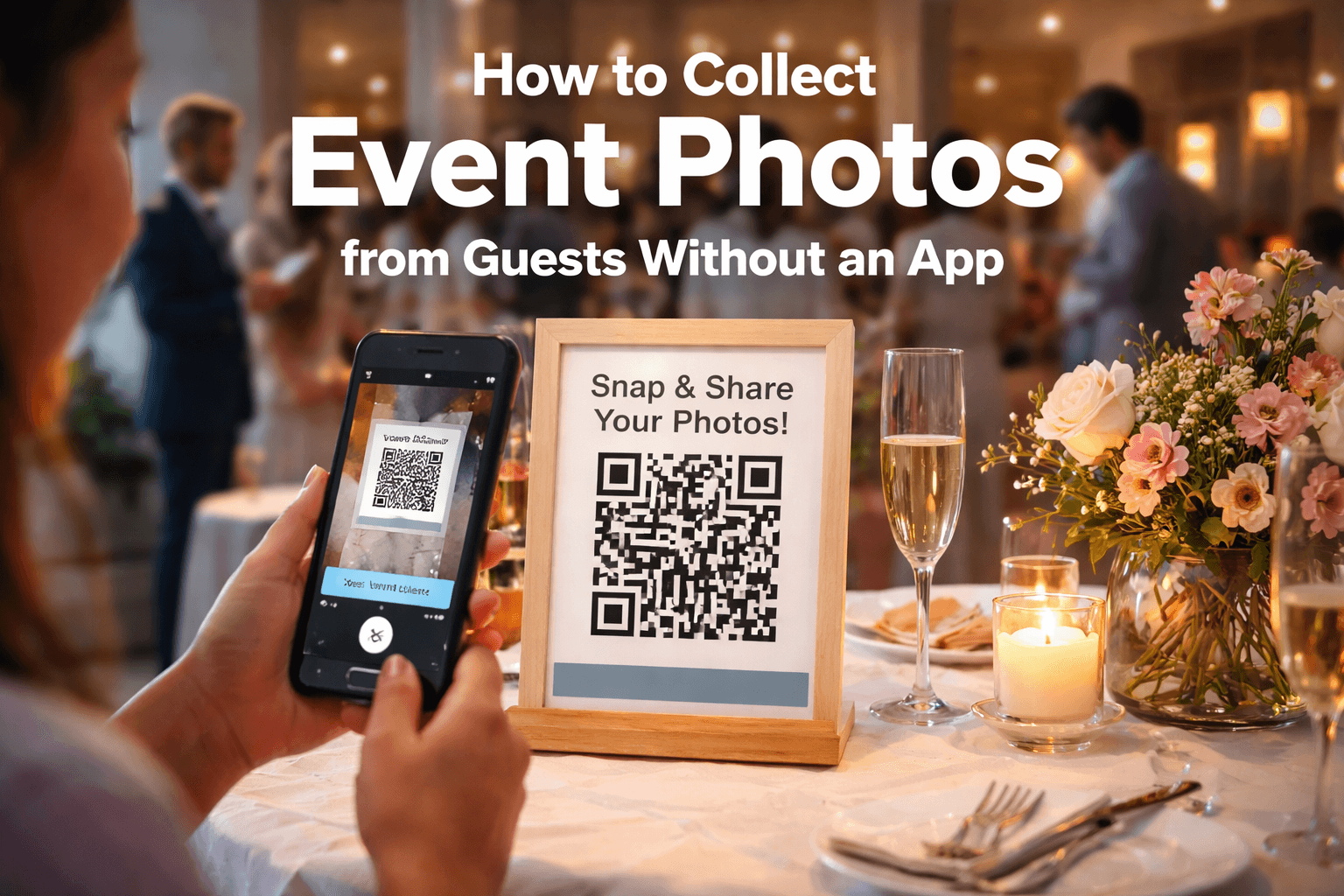
At the event, guests simply scan a QR code placed on tables, posters, or screens.
This opens a web-based camera interface directly on their phone.
2. Photos Are Captured Instantly
Guests can:
- Click photos directly from their phone
- Capture candid moments in real time
- Participate without any setup
This removes friction and increases participation.
3. Photos Upload Directly to Cloud Storage
Every photo taken is:
- Instantly uploaded to secure cloud storage
- Stored in a centralized event gallery
- Available without manual transfer
There is no need to collect files later or manage uploads.
4. Live Event Gallery Updates in Real Time
As guests take photos:
- Images appear instantly in a live gallery
- Everyone can view updates in real time
- A live screen can display photos during the event
This creates an interactive and engaging experience.
5. All Photos Are Available After the Event
Once the event is over:
- All photos are already organized in one place
- You can download everything in one go
- You can transfer photos directly to Google Drive
- You can share access with guests easily
No follow-ups. No missing photos.
Why SnapOnTap Works Better
Compared to traditional methods, SnapOnTap offers:
- Real-time photo collection instead of delayed uploads
- Centralized cloud storage instead of scattered files
- No app dependency, increasing guest participation
- Higher chances of capturing candid and natural moments
The entire process is seamless and automatic.
Best Use Cases
SnapOnTap works perfectly for:
- Weddings
- House parties
- Corporate events
- Birthday celebrations
- Social gatherings
Any event where you want authentic, guest-captured memories.
Final Thoughts
Collecting event photos doesn’t have to be complicated.
With SnapOnTap, you can:
- Capture moments as they happen
- Store everything securely in the cloud
- Access all photos instantly after the event
All without asking your guests to install anything.
If you’re looking for a simple, modern way to collect event photos, SnapOnTap provides a seamless solution built for real-time experiences.
Frequently Asked Questions
Do guests need to install an app to use SnapOnTap? No, everything works directly from the phone browser via QR code.
Where are the photos stored? Photos are uploaded instantly to secure cloud storage and organized in a live gallery.
Can I download all photos after the event? Yes, you can download all photos or transfer them to Google Drive.
Will guests actually use it? Yes, because there is no app or login required, participation is significantly higher.